Custom Mockup Generator

Smartmockups Alternative After the Canva Move

Smartmockups is no longer its own product. The domain redirects to Canva, and the tool lives on inside a design suite that is much larger than the thing most people signed up for. If Canva is where you wanted to end up, you are already there.

Ranked for one job: whether you get a focused mockup tool or a full design suite, and what happens to a workflow that was built around a standalone product. Every tool below carries what it genuinely does better and the reader who should pick it instead.

At a glance

ToolWhat it isStarting priceReusable listing setText & logo in mockup
Smartmockupsmerged into another producttemplate libraryNot publishedNoNo
Custom Mockup Generatorcustom flowFreeYesYes, automatically
Canva Mockupsdesign platformFreeNoYes, by hand
Placeittemplate library$2/moNoNo
Mediamodifiertemplate libraryFreeNoNo
Mockuuups Studiotemplate libraryFreeNoNo
Pebblelyai generator$9/moNoNo
Mokker AIai generatorFreeNoNo
Photoroomai generator₹167/moNoNo
Printifypod builtinFreeNoNo
MyDesignsai generatorFreeNoNo

Cheapest published tier at the time we checked. Some tools price by region, so see each card for the currency and date.

Every Smartmockups alternative, in depth

#1

Custom Mockup Generator

Set up your listing images once. Every new design comes back as the finished set, with your text, branding and logo already on it.

Where it wins
  • Your mockups can carry text, size charts and callouts, so the images you actually list are the ones being generated, not just the plain ones.
  • Your logo lands on every image in the set, same place, same size, without you nudging it into position eight times.
  • You define the set once. Adding a product reruns it instead of starting from scratch.
  • The scene adapts to your artwork. A red design picks up subtle red notes in the background, so every mockup is specific to that product instead of the same stock photo with your art pasted in.
  • Runs in a browser. No Photoshop licence, no plugin, nothing to install.
Where it stops
  • Newer than the big names, with a smaller ready made scene library than the giant template marketplaces.
  • Renders cost real money to produce, so the free tier is watermarked and metered rather than the flat unlimited price a template library can offer.
  • Built around a repeating listing set. If you only ever need one mockup of one product, that is more setup than the job deserves.
Pricing
  • FreeFreeWatermarked. A free account clears it
  • Paid$7/moStarting price

Checked 2026-08-03. Our own pricing.

Choose this if

Sellers whose listing images carry their own text, layout or branding, and who add products often enough that rebuilding them by hand has become the annoying part of the week.
#2

Canva Mockups

Canva's mockup feature, and now the home of Smartmockups too, bolted onto a full design editor.

Where it wins
  • Free, and already open in a tab on most sellers' screens. No newer tool gets to claim that.
  • A full design editor, so text, layout and branding go exactly where you want them.
  • It absorbed Smartmockups, so it inherited a big and well liked scene library.
Where it stops
  • Every listing image is assembled by hand. Nothing regenerates when you add a product.
  • Consistency depends on you remembering the exact position, size and crop you used last time. Good luck.
Pricing
  • FreeFreeMockups on the free plan

Checked 2026-08-03. Paid tier pricing not captured yet.

Choose this if

Anyone already designing in Canva who lists rarely enough that rebuilding each image by hand has not started to hurt yet.

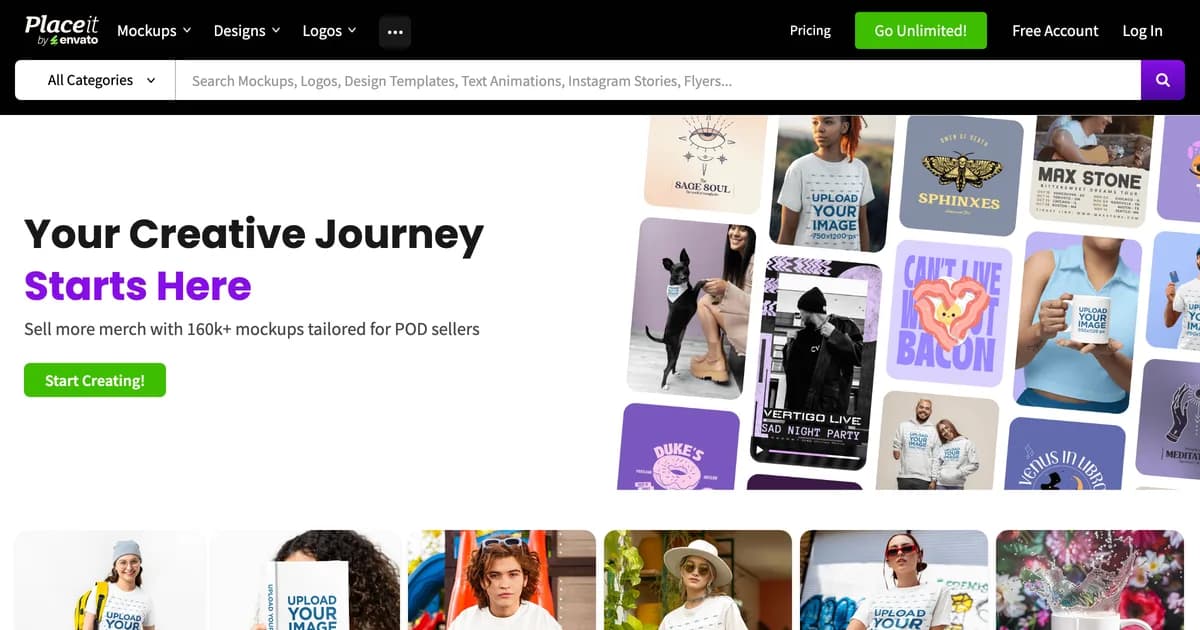
Placeit homepage hero promoting its mockup and template library
#3

Placeit

Envato's mockup and template library, sold as one unlimited subscription with the largest ready made catalogue of any browser tool.

Where it wins
  • The largest ready made mockup catalogue of anything in this list, plus logos, video templates and design assets in the same subscription.
  • One flat unlimited price rather than per image or per credit metering.
Where it stops
  • Templates are fixed scenes. Your artwork drops into them; the scene does not respond to what you upload.
  • Every image is still assembled one at a time, so a new product means repeating the whole set by hand.
Pricing
  • Unlimited$2/moBilled yearly. One month minimum once you download

Checked 2026-08-05. Page states billing is in USD regardless of viewing country. Headline price is the annual rate.

Choose this if

Sellers who want the widest possible library of ready made scenes and are happy to compose each listing image themselves.

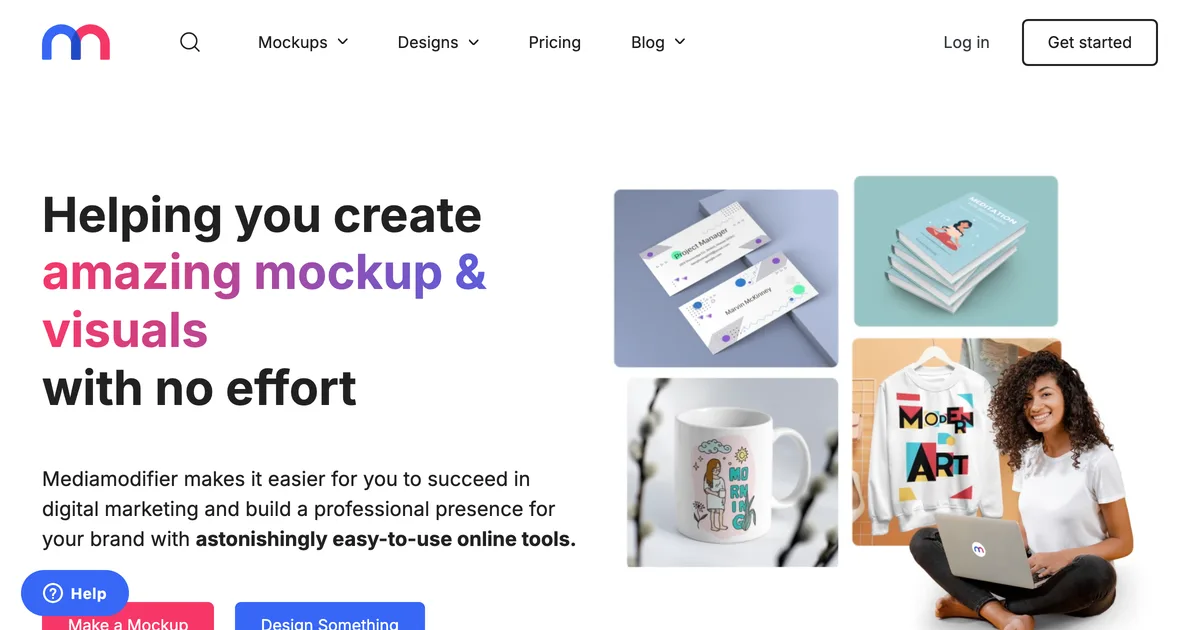
Mediamodifier homepage hero showing its mockup generator
#4

Mediamodifier

A mockup library with a genuinely usable free tier and a mockup API on the team plan, aimed at designers and small brands.

Where it wins
  • One of the few tools here with a mockup API, so a developer can wire generation into an existing pipeline.
  • Publishes a free Starter tier rather than a watermarked trial, with templates, fonts and image tools listed on it.
Where it stops
  • Template based, so the scene is fixed and does not react to the artwork placed in it.
  • No concept of a saved listing set that reruns for the next product.
  • Reviewers repeatedly report that the free tier delivers far less than the pricing page implies, and some say they never found a usable free option at all.
Pricing
  • StarterFreeFree mockup and design templates, 1300+ fonts
  • Professional$16/mo$8.25/mo equivalent if billed annually at $99/yr
  • Team$38/moBilled yearly. Adds mockup API and 5 seats

Checked 2026-08-05. Prices shown in USD with automatic local conversion. Excludes tax and VAT.

Choose this if

Designers who want a solid free library, and teams who need API access to generate mockups from their own system.

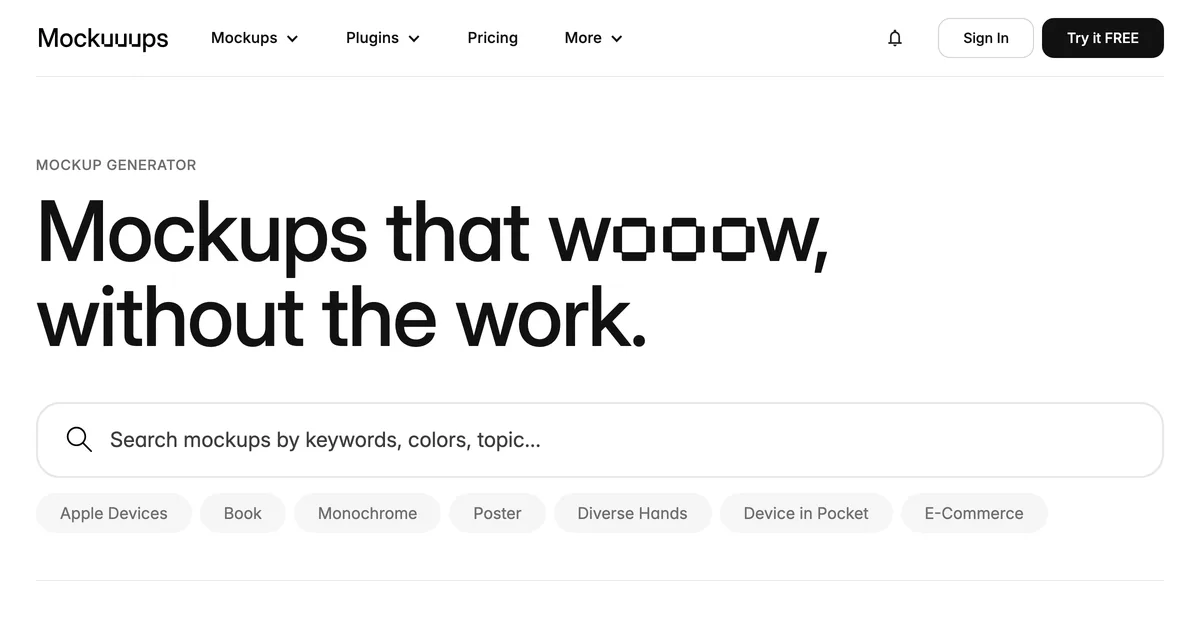
Mockuuups Studio homepage hero showing its mockup library
#5

Mockuuups Studio

A device and apparel mockup library with desktop and design tool plugins, aimed at product designers rather than sellers.

Where it wins
  • Plugins for the design tools you already have open, plus a desktop app, so mockups happen without a context switch.
  • Exports stay usable after you cancel, which makes one paid month a legitimate way to buy.
Where it stops
  • The free tier requires attribution, so it is not usable on a commercial listing.
  • Catalogue leans towards devices and screens rather than the apparel and packaging a print on demand seller lists.
Pricing
  • FreeFreeLimited set, requires attribution
  • Professional$15/mo$120/yr if billed annually. 5,300+ mockups
  • Team$20/moPer user. Adds SSO and unified billing

Checked 2026-08-05. Exports remain usable after cancellation, so a single paid month is a viable purchase.

Choose this if

Product and UI designers presenting app or device work, especially anyone who wants mockups inside their existing design tool.

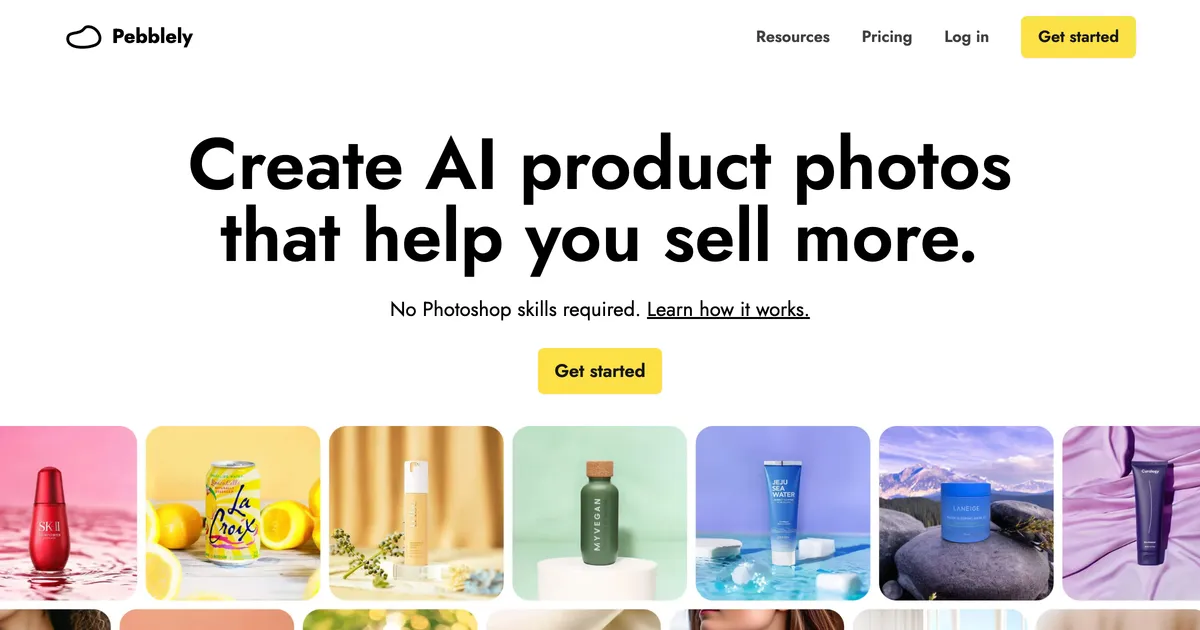
Pebblely homepage hero showing AI-generated backgrounds around product photos
#6

Pebblely

Upload a product photo, pick a theme, and get a generated scene around it. Metered by image rather than sold as a template library.

Where it wins
  • Generates a scene around a real product photo, which beats any template when the product itself is what you are selling.
  • Simple enough to use without learning a canvas: upload, pick a theme, done.
Where it stops
  • Starts from a photograph of an existing product, so it cannot help you list something you have not made yet.
  • Metered by image, so a heavy listing month costs more or stops early.
Pricing
  • Lite$9/mo30 images a month
  • Basic$19/mo200 images a month, bulk generate
  • Pro$39/mo500 images a month

Checked 2026-08-06. No free tier listed on the pricing page, contrary to several aggregator posts. Yearly billing advertised as 2+ months free.

Choose this if

Sellers who already photograph their products and want better backgrounds, rather than sellers putting artwork onto a blank product.

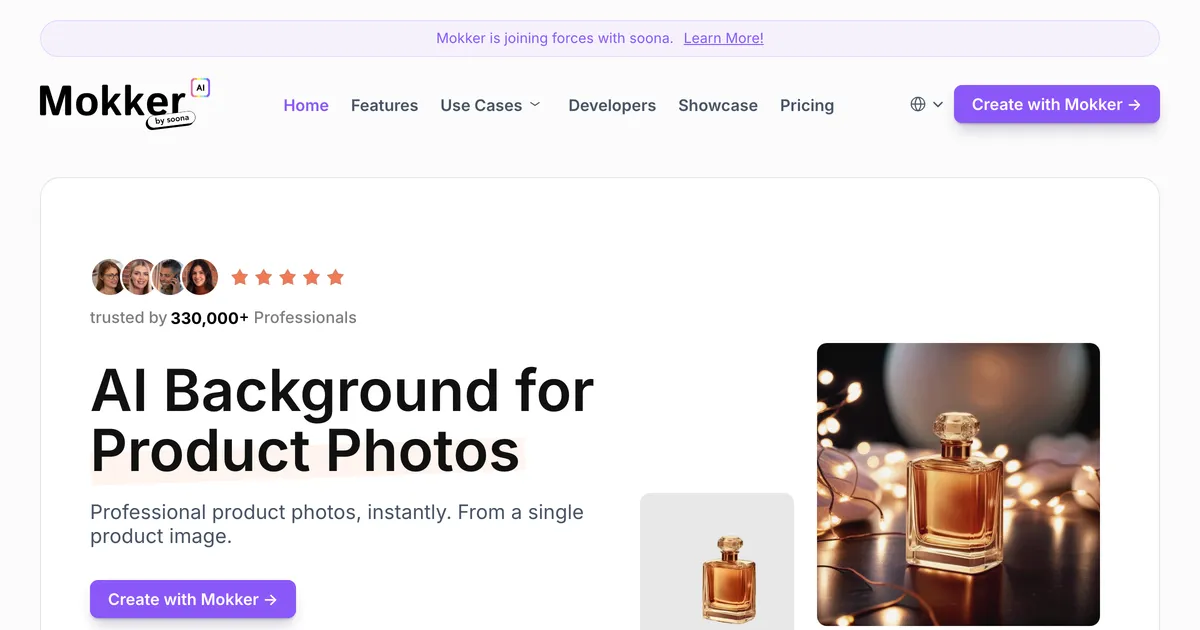
Mokker AI homepage hero promoting generated product photos for sellers
#7

Mokker AI

AI product photography aimed at clean studio shots, with a free trial allowance and unlimited photos on the team plans.

Where it wins
  • Unlimited photos on the team tiers, which is unusual in a category that meters almost everything by image.
  • Consistent white and studio backgrounds, which is what marketplace listing rules usually ask for.
Where it stops
  • Also starts from a product photograph, so it does not cover a product that does not exist yet.
  • The free allowance is 20 photos once, not monthly, so it is a trial rather than a usable free tier.
Pricing
  • FreeFree20 photos, one time
  • Starter$13/mo500 photos a month
  • Team$29/moPer user, 3 seats included. Unlimited photos
  • Organization$83/moPer user, 5 seat minimum

Checked 2026-08-06. Annual billing advertised as up to 35% off. The free tier is a one-time 20 photos rather than a monthly allowance.

Choose this if

Sellers with real product photos who need consistent studio backgrounds across a catalogue, especially for marketplaces with strict image rules.

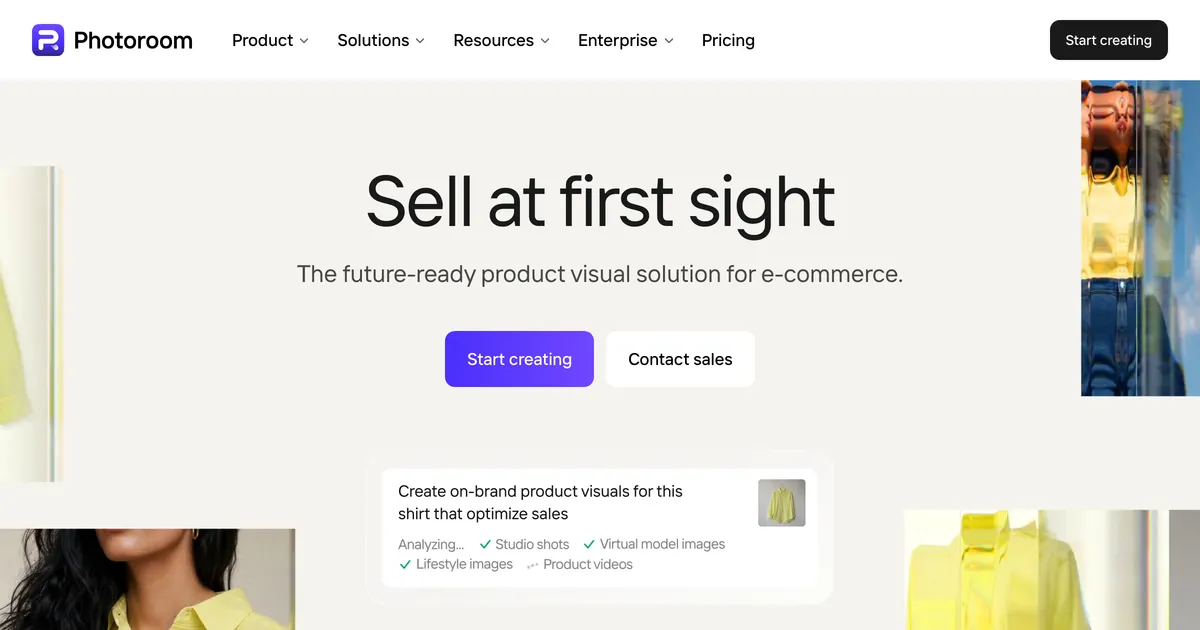
Photoroom homepage hero promoting product image editing at catalogue scale
#8

Photoroom

AI product photo editing at catalogue scale: background removal, generated scenes, virtual models and batch processing, metered in credits.

Where it wins
  • Built for catalogue scale, with batch processing and export limits in the thousands rather than the dozens.
  • Background removal, generated backdrops and virtual models in one tool, so a product photo can be finished without a second app.
Where it stops
  • Starts from a photograph, so it cannot produce an image of a product you have not made or shot yet.
  • Metered in credits and exports, which makes a heavy listing month a budgeting question rather than a flat cost.
Pricing
  • Pro₹167/moBilled yearly. Struck-through monthly rate shown as INR 299
  • Max₹334/moBilled yearly. 3,800 AI credits, 3,000 exports
  • Ultra₹7,159/moBilled yearly. 20,000 AI credits, 10,000 exports
  • EnterpriseNot publishedCustom, contact sales

Checked 2026-08-06. Captured from an Indian IP and priced in INR. Photoroom geo-localises, so a US reader will see different figures and a different currency.

Choose this if

Sellers with a large catalogue of real product photographs who need them cleaned up and staged consistently at volume.

Printify homepage hero promoting its print on demand platform
#9

Printify

A print on demand fulfilment platform whose AI mockup generator sits behind the Premium plan alongside the catalogue and order routing.

Where it wins
  • Mockups, product catalogue and fulfilment live in one workflow, so the image you approve is tied to the product that ships.
  • The free plan covers five stores, which is more generous than most fulfilment platforms.
Where it stops
  • Only covers products Printify itself fulfils. It is not a general mockup tool.
  • AI mockups sit behind the $39/mo Premium plan rather than the free tier.
Pricing
  • FreeFree5 stores, unlimited product designs
  • Premium$39/mo$24.99/mo equivalent billed annually. AI Mockups included

Checked 2026-08-05. Enterprise tier is custom priced. AI Mockups are a Premium feature, not free.

Choose this if

Sellers already fulfilling through Printify who want product images that match their catalogue exactly and never leave the platform.

MyDesigns homepage hero promoting its print on demand workflow
#10

MyDesigns

A print on demand workflow tool that bundles bulk product mockups, bulk video mockups and listing automation into one subscription.

Where it wins
  • Bulk mockups and bulk video mockups in one place, which is closer to a listing workflow than a template library is.
  • The mockup generator is available on the free tier rather than locked behind the top plan.
Where it stops
  • Built around its own print on demand workflow, so it is a larger commitment than a tool you only want mockups from.
  • Paid tiers start at $19.99/mo, above several dedicated mockup tools in this list.
Pricing
  • FreeFreeMockup generator included
  • Starter$20/mo
  • Pro$40/mo
  • Pro Plus$80/mo

Checked 2026-08-05. Annual billing advertised at 20% off. Custom mockups listed on every paid tier.

Choose this if

Print on demand sellers who want mockups, listing automation and video assets from one subscription and are willing to adopt its workflow.

What users say about Smartmockups

All Smartmockups reviews on Trustpilot

Feature comparison

FeatureSmartmockupsCustom Mockup GeneratorCanva MockupsPlaceitMediamodifierMockuuups StudioPebblelyMokker AIPhotoroomPrintifyMyDesigns
Reusable listing setNoYesNoNoNoNoNoNoNoNoNo
Text and size charts inside the mockupNoYesPartlyNoNoNoNoNoNoNoNo
Logo auto-placed on every imageNoYesNoNoNoNoNoNoNoNoNo
Scene adapts to the artworkNoYesNoNoNoNoNoNoNoNoNo
Works without PhotoshopYesYesYesYesYesYesYesYesYesYesYes
Free tierNoYesYesNoYesYesNoYesNoYesYes

Stop rebuilding the same listing images

Describe your set once. Every new design comes back complete, with your title, size chart and logo already on it. Free to try, no account needed.

Start free

Should you switch from Smartmockups?

Do nothing first. Canva Mockups is the direct successor, it is on the free plan, and for a lot of former Smartmockups users that is the end of the question. Look elsewhere only if the suite is the problem: if you wanted one focused tool and now have a whole editor around it, or if your account and templates did not carry across the way you expected. Those are the two complaints worth acting on, and they point at different replacements.

Best Smartmockups alternative, by what you sell

Pricing compared

ToolTiersChecked
Smartmockups
  • Discontinued Not published
2026-08-03 · IN
Custom Mockup Generator
  • Free Free
  • Paid $7/mo
2026-08-03 · IN
Canva Mockups
  • Free Free
2026-08-03 · IN
Placeit
  • Unlimited $2/mo
2026-08-05 · IN
Mediamodifier
  • Starter Free
  • Professional $16/mo
  • Team $38/mo
2026-08-05 · US
Mockuuups Studio
  • Free Free
  • Professional $15/mo
  • Team $20/mo
2026-08-05 · US
Pebblely
  • Lite $9/mo
  • Basic $19/mo
  • Pro $39/mo
2026-08-06 · US
Mokker AI
  • Free Free
  • Starter $13/mo
  • Team $29/mo
  • Organization $83/mo
2026-08-06 · US
Photoroom
  • Pro ₹167/mo
  • Max ₹334/mo
  • Ultra ₹7,159/mo
  • Enterprise Not published
2026-08-06 · IN
Printify
  • Free Free
  • Premium $39/mo
2026-08-05 · US
MyDesigns
  • Free Free
  • Starter $20/mo
  • Pro $40/mo
  • Pro Plus $80/mo
2026-08-05 · US

Prices are geo-localised. Each row records the date and country the check was made from, because a bare number is a wrong number for most readers.

When Smartmockups is still the right choice

Stick with Smartmockups when

  • Canva is somewhere you were happy to end up, and the mockups still do what you need.
  • You use the wider editor, so having it wrapped around the mockup tool is a gain rather than a cost.
  • The free plan covers your volume, which for occasional mockups it often does.
  • Your existing templates and saved work came across intact.

Consider switching when

  • You wanted a focused tool and a full design suite is more than you asked for.
  • Your listing images repeat across products, which no library solves however large it is.
  • You work from product photographs rather than artwork, which is a different category of tool.
  • You need a mockup API or a plugin, neither of which a design suite is shaped for.

Moving off Smartmockups

The awkward part is that there is no migration to run. Smartmockups was not a project format you export, so what you have is a set of finished images and a habit.

Check two things before you decide anything. First, whether your account and any saved templates actually came across to Canva, because that answers most of the question on its own. Second, whether the images you make are one-offs or the same set repeated per product. Those two answers point at completely different replacements, and picking before you know them is how people end up paying for the wrong tool twice.

The honest verdict

Canva is the honest default. It is the successor, it is free to try, and a redirect is a strong hint about where the product's future is being spent.

The case for leaving is narrower than the internet suggests. It is not that Canva is worse; it is that a suite and a focused tool are different things, and some people genuinely wanted the focused one. If that is you, the useful question is what you were doing with Smartmockups, because a repeating listing set and a pile of product photographs need different answers.

Frequently asked questions

Is Smartmockups shut down?

Not shut down so much as absorbed. As of 5 August 2026 smartmockups.com returns a permanent redirect to canva.com/mockups, and the tool is offered as part of Canva rather than as a separate product.

Is Canva Mockups the same as Smartmockups?

It is the successor rather than a copy. The mockup capability survives inside a much larger design editor, so the tool you reach is wrapped in a suite that Smartmockups never had.

Is there a free Smartmockups alternative?

Canva includes mockups on its free plan, which makes it the cheapest direct replacement. Mediamodifier also has a genuinely usable free tier rather than a watermarked preview.

What happened to my Smartmockups templates?

That depends on your account and is the first thing to check, because it decides most of the question. If they carried across to Canva intact, the move costs you nothing but a changed interface.

Which alternative is closest to the old workflow?

For a focused, standalone feel, Mockuuups Studio comes closest, with plugins and a desktop app rather than a browser suite. For breadth of catalogue, Placeit is the largest. Neither is a drop-in replacement, because the product they would be replacing no longer exists.

What sellers say

Other tools people compare

If you were making the same images over and over

Describe your listing set once, then drop in each new design and get the whole set back with your title, size chart and logo already in place.

Browse apparel generators