Custom Mockup Generator

Photoroom Alternative

Photoroom belongs to a different family than most mockup tools. It assumes you already photographed the product, which makes it the right tool for a real catalogue and the wrong one for a design that has never been printed.

Ranked for one job: how the tool behaves at catalogue scale, and whether its pricing stays predictable as volume grows. Every tool below carries what it genuinely does better and the reader who should pick it instead.

At a glance

ToolWhat it isStarting priceReusable listing setText & logo in mockup
Photoroomai generator₹167/moNoNo
Custom Mockup Generatorcustom flowFreeYesYes, automatically
Claidai generatorFreeNoNo
Ecomtentai generator$510/moNoNo
CreatorKitai generatorFreeNoNo
Recraftai generatorFreeNoNo
Flair.aiai generatorFreeNoNo
Mokker AIai generatorFreeNoNo
Pebblelyai generator$9/moNoNo
MyDesignsai generatorFreeNoNo
Smartmockupsmerged into another producttemplate libraryNot publishedNoNo

Cheapest published tier at the time we checked. Some tools price by region, so see each card for the currency and date.

Every Photoroom alternative, in depth

#1

Custom Mockup Generator

Set up your listing images once. Every new design comes back as the finished set, with your text, branding and logo already on it.

Where it wins
  • Your mockups can carry text, size charts and callouts, so the images you actually list are the ones being generated, not just the plain ones.
  • Your logo lands on every image in the set, same place, same size, without you nudging it into position eight times.
  • You define the set once. Adding a product reruns it instead of starting from scratch.
  • The scene adapts to your artwork. A red design picks up subtle red notes in the background, so every mockup is specific to that product instead of the same stock photo with your art pasted in.
  • Runs in a browser. No Photoshop licence, no plugin, nothing to install.
Where it stops
  • Newer than the big names, with a smaller ready made scene library than the giant template marketplaces.
  • Renders cost real money to produce, so the free tier is watermarked and metered rather than the flat unlimited price a template library can offer.
  • Built around a repeating listing set. If you only ever need one mockup of one product, that is more setup than the job deserves.
Pricing
  • FreeFreeWatermarked. A free account clears it
  • Paid$7/moStarting price

Checked 2026-08-03. Our own pricing.

Choose this if

Sellers whose listing images carry their own text, layout or branding, and who add products often enough that rebuilding them by hand has become the annoying part of the week.
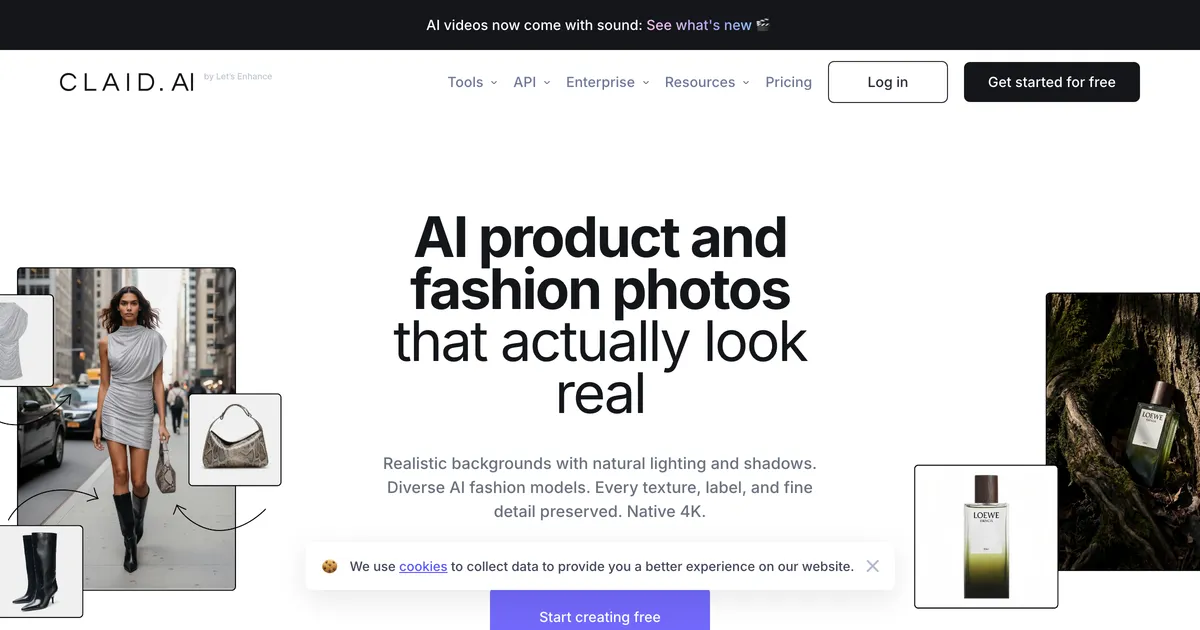

Claid homepage hero promoting AI product photography for ecommerce catalogues
#2

Claid

AI product photography aimed at catalogues: background work, enhancement and generation, with an API behind it.

Where it wins
  • Built for catalogue work rather than one-off images, with an API for teams that already run a pipeline.
  • Covers enhancement and correction as well as generation, which matters when the input is real product photography.
  • Entry paid tier is $9, which is low for something aimed at operations.
Where it stops
  • Credit pricing makes cost hard to predict, because operations are not priced equally.
  • Works from photographs of real products, so it does nothing for artwork placed on a blank garment.
  • The free tier is a trial rather than an ongoing plan, so it expires rather than throttles.
Pricing
  • Free trialFree50 credits, plus 50 API credits
  • Essentials$9/mo500 credits. Standard resolution up to 2K
  • Pro$35/mo2,000 credits, 2K/4K generation, uploads to 64 MP
  • BusinessNot publishedCustom. Advanced API workflows, SLAs, onboarding

Checked 2026-08-07. Credit-based rather than per-image: operations cost between 1 and 8 credits depending on what you ask for, so the plan size and your actual throughput are only loosely related.

Choose this if

Brands and retailers with a large SKU count and real product photography that needs to be made consistent at scale.

Ecomtent homepage hero promoting AI-generated marketplace listing content
#3

Ecomtent

Marketplace listing content at enterprise scale: images, infographics, A+ content and copy, published straight to Amazon.

Where it wins
  • Publishes directly to Amazon Seller and Vendor, Walmart and eBay rather than handing you files to upload.
  • Covers the whole listing rather than only the images: copy, infographics and A+ content as well.
  • Reports what Amazon's own AI search surfaces ask about your listings, which no mockup tool attempts.
Where it stops
  • Starts at $510 a month, which puts it outside the reach of the sellers most of this comparison is written for.
  • Built around existing product photography, so it is not a mockup generator in the sense used here.
Pricing
  • Seller / Vendor$510/moUp to 25 SKUs a month, three seats
  • Agency$1,360/moUp to 100 SKUs a month across unlimited accounts, ten seats
  • Retailer$5,100/moUp to 1,000 SKUs a month

Checked 2026-08-07. Monthly rates shown; the page also offers quarterly and annual billing at a stated 25% saving. An order of magnitude above every other tool here, and priced for teams rather than sellers.

Choose this if

Established Amazon brands and agencies managing catalogues where listing content is a team's full-time job.

CreatorKit homepage hero promoting AI product images and video for online stores
#4

CreatorKit

AI product images and short video aimed at ecommerce ads, with a Shopify integration doing most of the work.

Where it wins
  • Video as well as stills, which matters if the listing images also have to work as ads.
  • Shopify integration pulls the catalogue in rather than making you upload product by product.
  • Unlimited generation means iterating costs nothing until you download.
Where it stops
  • Download caps are the real limit and they are low: ten a month on the $32 plan.
  • Built around photographs of real products, so it has little to offer someone placing artwork on a blank garment.
Pricing
  • FreeFree5 image downloads; generations unlimited
  • Pro$32/mo10 downloads across each feature, watermark removed
  • Business$82/mo50 downloads across each feature

Checked 2026-08-07. Generations are unlimited on every tier; the download count is the actual limit, which is easy to misread as generous.

Choose this if

Shopify sellers with real product photos who need ad creative and short video as much as static listing images.

Recraft homepage hero promoting AI image and vector generation
#5

Recraft

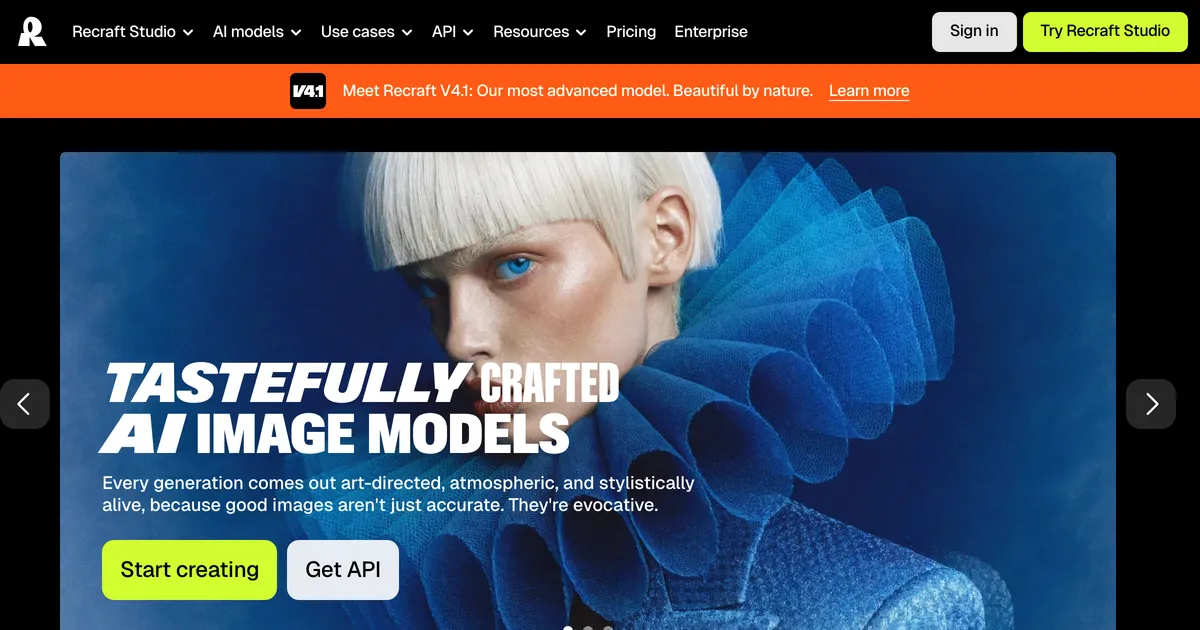
A general AI image and vector generator. Mockups are something you can prompt it into producing rather than a feature it ships.

Where it wins
  • Generates vectors as well as raster, which almost nothing else in this comparison does.
  • Style controls are unusually good for holding a consistent look across a set of images.
  • Has an API, so it can sit inside an automated pipeline.
Where it stops
  • Free plan output is owned by Recraft and cannot be used commercially, which makes the free tier useless for sellers.
  • No concept of a product mockup: nothing guarantees the garment or the print placement is plausible.
  • Credit-based, so cost scales with iteration rather than with output you keep.
Pricing
  • FreeFree
  • Basic$10/moBilled $120 annually. 1,000 credits a month
  • Advanced$16/moBilled $192 annually. 2,000 credits a month
  • Pro$18/moPer seat, billed $211 annually

Checked 2026-08-07. Free plan images are owned by Recraft, shown publicly in the community gallery, and not licensed for commercial use. All three points are stated on the pricing page.

Choose this if

Designers who want original artwork and vectors from a prompt and are willing to treat mockups as a prompting exercise.

Flair.ai homepage hero showing AI-directed product photography scenes
#6

Flair.ai

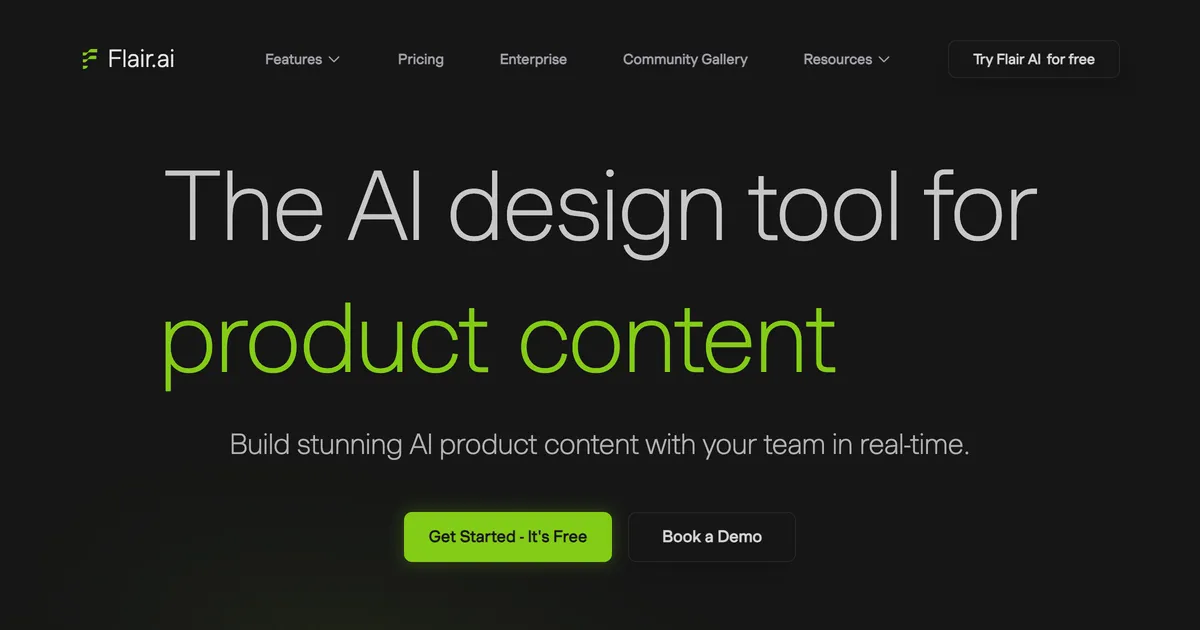
A drag and drop canvas for AI product scenes, with custom models you train on your own product and a genuinely free tier.

Where it wins
  • A real canvas rather than a theme picker, so you can compose the scene instead of choosing from presets.
  • Custom models trained on your own product, which is the closest thing here to a consistent look across a catalogue.
Where it stops
  • The commercial licence starts at the Pro+ tier, so the cheap plans are not usable for listings you sell from.
  • Works from product photographs, so it cannot picture a product that does not exist yet.
Pricing
  • FreeFree1 custom model, 5 generated images, 1 video
  • Pro$8/moFaster rendering, upscales and variations
  • Pro+$26/mo80 generated images, commercial licence
  • Scale$38/mo150 generated images, API early access

Checked 2026-08-06. Instant and ad generation consume 4x the image quota, so the headline image counts are a ceiling rather than a budget.

Choose this if

Brands who want art directed product scenes and are willing to learn a canvas to get precise control over composition.

Mokker AI homepage hero promoting generated product photos for sellers
#7

Mokker AI

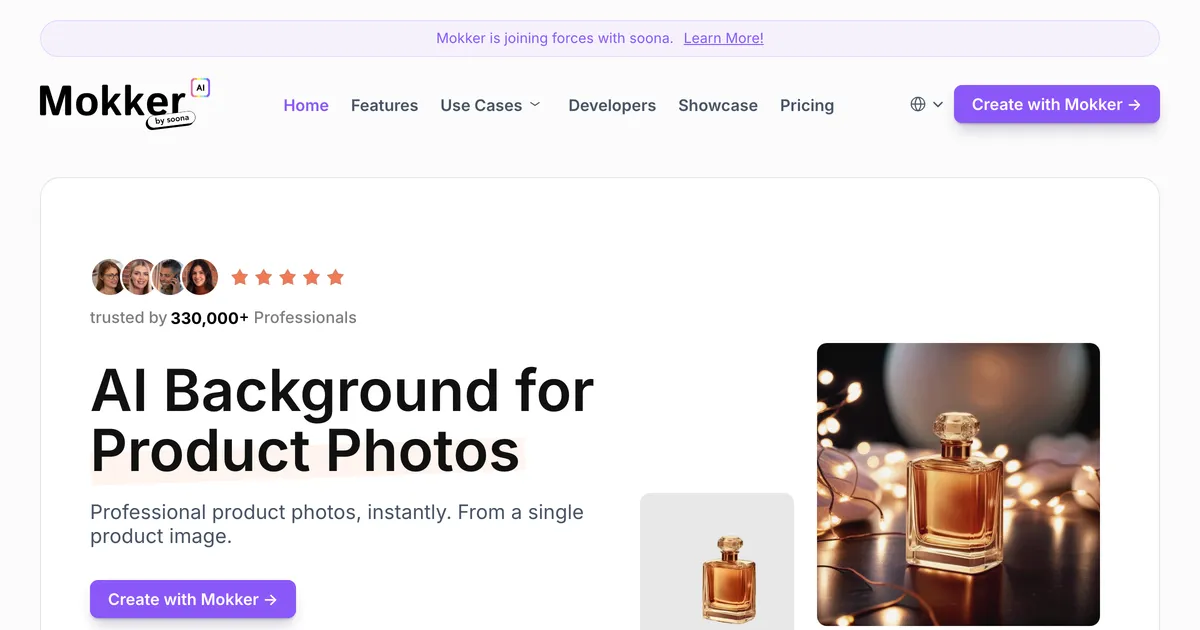
AI product photography aimed at clean studio shots, with a free trial allowance and unlimited photos on the team plans.

Where it wins
  • Unlimited photos on the team tiers, which is unusual in a category that meters almost everything by image.
  • Consistent white and studio backgrounds, which is what marketplace listing rules usually ask for.
Where it stops
  • Also starts from a product photograph, so it does not cover a product that does not exist yet.
  • The free allowance is 20 photos once, not monthly, so it is a trial rather than a usable free tier.
Pricing
  • FreeFree20 photos, one time
  • Starter$13/mo500 photos a month
  • Team$29/moPer user, 3 seats included. Unlimited photos
  • Organization$83/moPer user, 5 seat minimum

Checked 2026-08-06. Annual billing advertised as up to 35% off. The free tier is a one-time 20 photos rather than a monthly allowance.

Choose this if

Sellers with real product photos who need consistent studio backgrounds across a catalogue, especially for marketplaces with strict image rules.

Pebblely homepage hero showing AI-generated backgrounds around product photos
#8

Pebblely

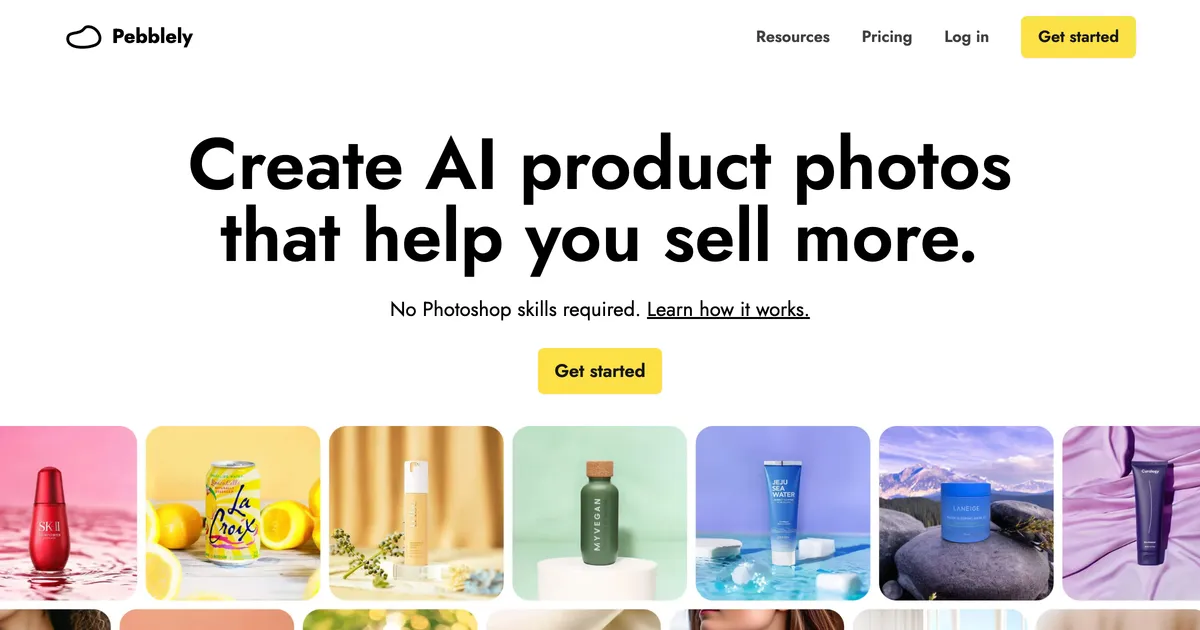
Upload a product photo, pick a theme, and get a generated scene around it. Metered by image rather than sold as a template library.

Where it wins
  • Generates a scene around a real product photo, which beats any template when the product itself is what you are selling.
  • Simple enough to use without learning a canvas: upload, pick a theme, done.
Where it stops
  • Starts from a photograph of an existing product, so it cannot help you list something you have not made yet.
  • Metered by image, so a heavy listing month costs more or stops early.
Pricing
  • Lite$9/mo30 images a month
  • Basic$19/mo200 images a month, bulk generate
  • Pro$39/mo500 images a month

Checked 2026-08-06. No free tier listed on the pricing page, contrary to several aggregator posts. Yearly billing advertised as 2+ months free.

Choose this if

Sellers who already photograph their products and want better backgrounds, rather than sellers putting artwork onto a blank product.

MyDesigns homepage hero promoting its print on demand workflow
#9

MyDesigns

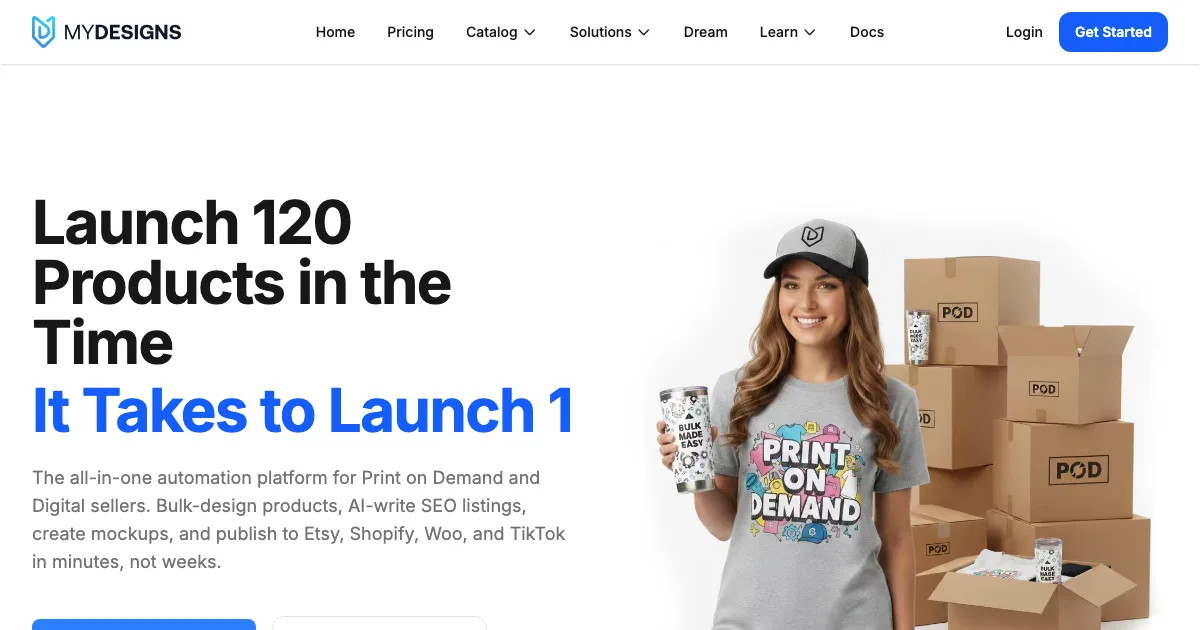
A print on demand workflow tool that bundles bulk product mockups, bulk video mockups and listing automation into one subscription.

Where it wins
  • Bulk mockups and bulk video mockups in one place, which is closer to a listing workflow than a template library is.
  • The mockup generator is available on the free tier rather than locked behind the top plan.
Where it stops
  • Built around its own print on demand workflow, so it is a larger commitment than a tool you only want mockups from.
  • Paid tiers start at $19.99/mo, above several dedicated mockup tools in this list.
Pricing
  • FreeFreeMockup generator included
  • Starter$20/mo
  • Pro$40/mo
  • Pro Plus$80/mo

Checked 2026-08-05. Annual billing advertised at 20% off. Custom mockups listed on every paid tier.

Choose this if

Print on demand sellers who want mockups, listing automation and video assets from one subscription and are willing to adopt its workflow.

#10

Smartmockups

Absorbed into Canva. smartmockups.com now redirects to canva.com/mockups.

A long running mockup library that got folded into Canva. The standalone product is gone.

Where it wins
  • The scene library was well liked and most of it lives on inside Canva Mockups.
Where it stops
  • Not available on its own any more. Existing users were moved across to Canva.
Pricing
  • DiscontinuedNot publishedNo longer sold separately, see Canva Mockups

Checked 2026-08-03. The domain redirects to Canva, so there is no independent pricing.

Choose this if

Nobody new. If you came looking for Smartmockups, Canva Mockups is where it went.

What users say about Photoroom

All Photoroom reviews on Trustpilot

Feature comparison

FeaturePhotoroomCustom Mockup GeneratorClaidEcomtentCreatorKitRecraftFlair.aiMokker AIPebblelyMyDesignsSmartmockups
Reusable listing setNoYesNoNoNoNoNoNoNoNoNo
Text and size charts inside the mockupNoYesNoNoNoNoNoNoNoNoNo
Logo auto-placed on every imageNoYesNoNoNoNoNoNoNoNoNo
Scene adapts to the artworkNoYesNoNoNoNoNoNoNoNoNo
Works without PhotoshopYesYesYesYesYesYesYesYesYesYesYes
Free tierNoYesYesNoYesYesYesYesNoYesNo

Stop rebuilding the same listing images

Describe your set once. Every new design comes back complete, with your title, size chart and logo already on it. Free to try, no account needed.

Start free

Should you switch from Photoroom?

Work out which half of the problem you have. If you photograph what you ship, you need cleanup and consistency across hundreds of images, and that is this category. If you sell a design that does not physically exist yet, no amount of photo enhancement helps, because there is no photo. Sellers frequently arrive here having chosen a photo tool for a print on demand catalogue, which cannot work: the product has never been in front of a camera.

Best Photoroom alternative, by what you sell

Pricing compared

ToolTiersChecked
Photoroom
  • Pro ₹167/mo
  • Max ₹334/mo
  • Ultra ₹7,159/mo
  • Enterprise Not published
2026-08-06 · IN
Custom Mockup Generator
  • Free Free
  • Paid $7/mo
2026-08-03 · IN
Claid
  • Free trial Free
  • Essentials $9/mo
  • Pro $35/mo
  • Business Not published
2026-08-07 · IN
Ecomtent
  • Seller / Vendor $510/mo
  • Agency $1,360/mo
  • Retailer $5,100/mo
2026-08-07 · IN
CreatorKit
  • Free Free
  • Pro $32/mo
  • Business $82/mo
2026-08-07 · IN
Recraft
  • Free Free
  • Basic $10/mo
  • Advanced $16/mo
  • Pro $18/mo
2026-08-07 · IN
Flair.ai
  • Free Free
  • Pro $8/mo
  • Pro+ $26/mo
  • Scale $38/mo
2026-08-06 · US
Mokker AI
  • Free Free
  • Starter $13/mo
  • Team $29/mo
  • Organization $83/mo
2026-08-06 · US
Pebblely
  • Lite $9/mo
  • Basic $19/mo
  • Pro $39/mo
2026-08-06 · US
MyDesigns
  • Free Free
  • Starter $20/mo
  • Pro $40/mo
  • Pro Plus $80/mo
2026-08-05 · US
Smartmockups
  • Discontinued Not published
2026-08-03 · IN

Prices are geo-localised. Each row records the date and country the check was made from, because a bare number is a wrong number for most readers.

When Photoroom is still the right choice

Stick with Photoroom when

  • You photograph the products you sell, which is the assumption the whole tool rests on.
  • You need consistent backgrounds and framing across a large catalogue.
  • Marketplace image compliance matters and you want output that clears it.
  • Batch processing is the feature you are buying rather than creative control.

Consider switching when

  • Your product is a design that has never been printed, so there is nothing to photograph.
  • You need the listing image to carry text, a size chart or branding rather than a clean product shot.
  • You need the same set of images rebuilt per design rather than per photograph.
  • You want scenes invented around the product rather than the product cleaned up.

Moving off Photoroom

Photoroom holds finished images rather than a project format, so there is nothing to export beyond what you have already downloaded.

The question worth settling first is which tool your catalogue actually needs, because this category splits cleanly and the split is not obvious from the marketing. Photo tools assume a camera was involved. Mockup tools assume it was not. A catalogue that mixes both, which many sellers have, genuinely needs two tools, and trying to force one to do the other's job is where the wasted subscriptions come from.

The honest verdict

Photoroom is very good at the job it is built for, and that job is real: making a large pile of inconsistent product photographs look like they belong to the same shop. At catalogue scale that is worth paying for and hard to do by hand.

It is simply not a mockup generator, and it does not claim to be. If your product exists only as artwork, this whole category is the wrong shelf, and the tools that look adjacent in a search result are solving a different problem from the one you have.

Frequently asked questions

Is Photoroom good for print on demand?

Not really, and the reason is structural rather than a shortcoming. Print on demand products often exist only as a design, and Photoroom works from a photograph of a real item. With nothing to photograph there is nothing for it to process.

What is the best Photoroom alternative for large catalogues?

Claid is the closest comparison, built around catalogue operations with an API. For Amazon specifically, Ecomtent goes further into listing content but starts at $510 a month, which is a different budget entirely.

Can Photoroom generate mockups?

It can place a product photo into a generated scene, which looks like a mockup and is not one. A mockup applies your artwork to a product; this stages a product that already exists.

Is there a free Photoroom alternative?

Free tiers here are mostly trials rather than ongoing plans, because each operation costs the vendor compute. Claid's free tier is 50 credits and expires, which is enough to evaluate and not to operate on.

Why is credit pricing hard to compare?

Because operations are not priced equally. Claid's own page puts operations between one and eight credits depending on what you ask for, so two plans with the same credit count can differ by several times in actual output.

What sellers say

Other tools people compare

If the product only exists as a design

Describe your listing set once, then drop in each new design and get the whole set back with your title, size chart and logo already in place.

Browse apparel generators